KEI logoKootenay EnvironmentalInnovations Request a quote

Free to use

KEI Field Tools

The tools our own crews use at the creek, free for anyone who needs them.

Free. Take them. We custom-made these tools to make our own field work as streamlined as possible, and streamlined field work costs less. Run a non-profit or a stewardship group that needs them? Have them. Run a consulting firm and don’t want to build your own? Take them, and streamline your business too. There is no account to create, and what you type stays on your own phone or computer.

Our Tools

Each tool says how you get it. The phone apps work with no signal once installed: open the app on your phone, then choose Install (Android) or Share, Add to Home Screen (iPhone). The single-file tools are one web page each: download it, keep it in a folder, and open it in any browser.

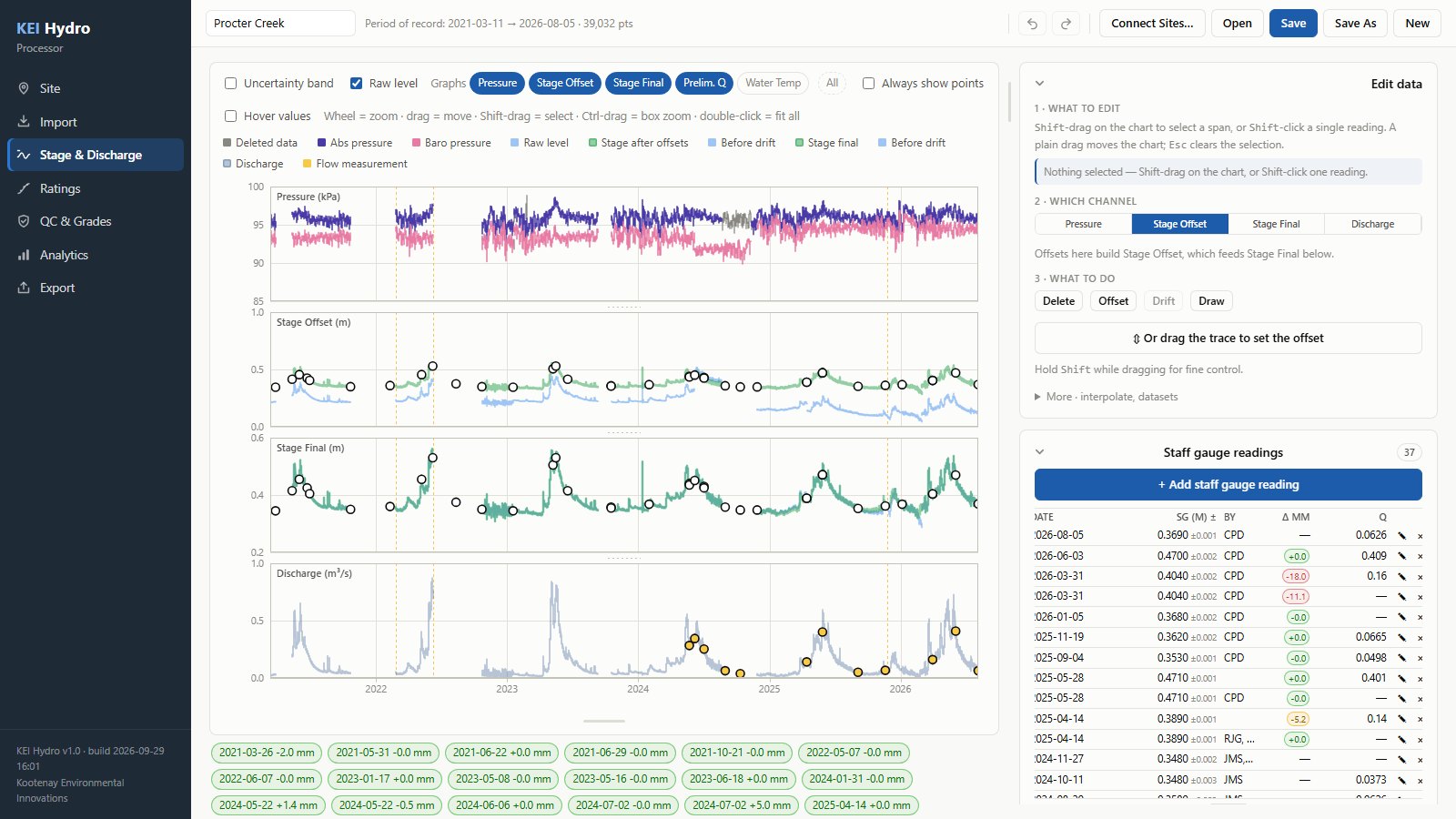
The Hydro Processor, KEI’s software for processing stream data

Hydro Processor

The Hydro Processor is the software we built to turn raw logger files into finished streamflow records: barometric compensation, drift correction, rating curves and discharge, with every edit recorded. It is not a free download.

How you get it: ask us about availability and pricing.
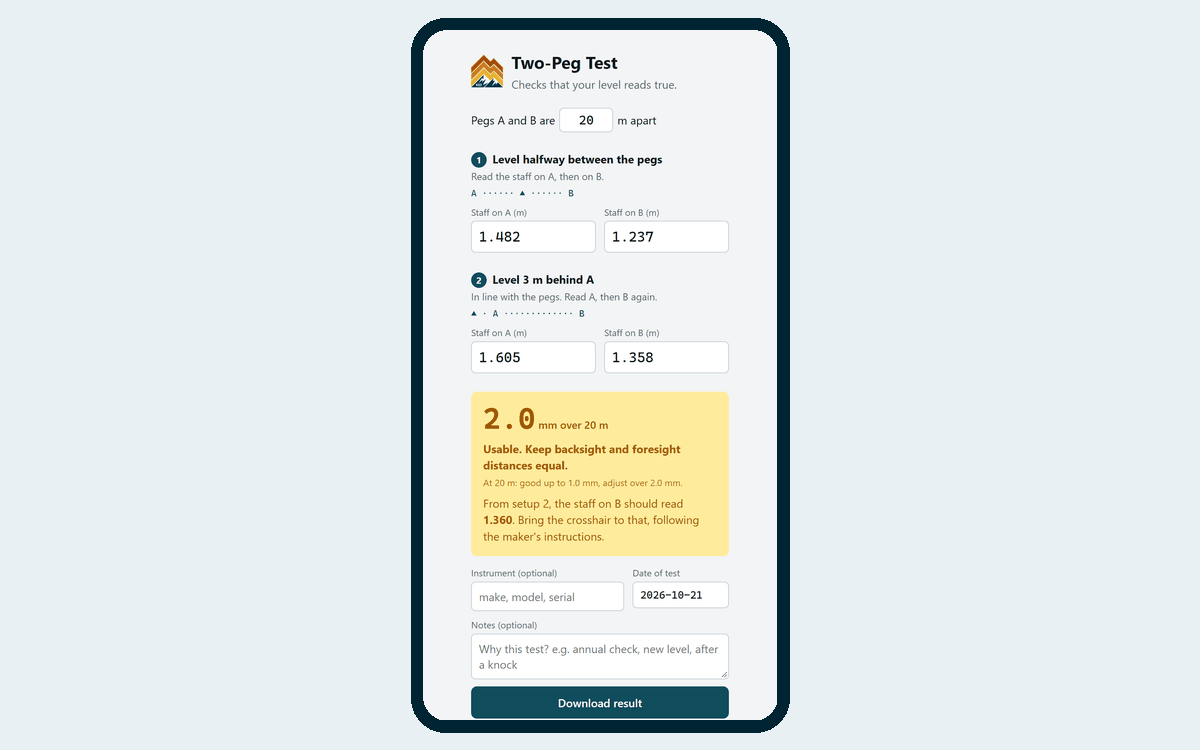
The Two-Peg Test, showing four staff readings and an error of 4.0 mm per 60 m

Two-Peg Test

Check that your level reads true before you trust a benchmark survey. Set the level up twice, type in four staff readings, and it tells you the error in millimetres per 60 m, whether the level needs adjusting, and the reading to adjust it to.

How you get it: one file. Download it and open it in a browser, or open it on your phone at the site. “Download result” saves a dated record of the test for your calibration file.

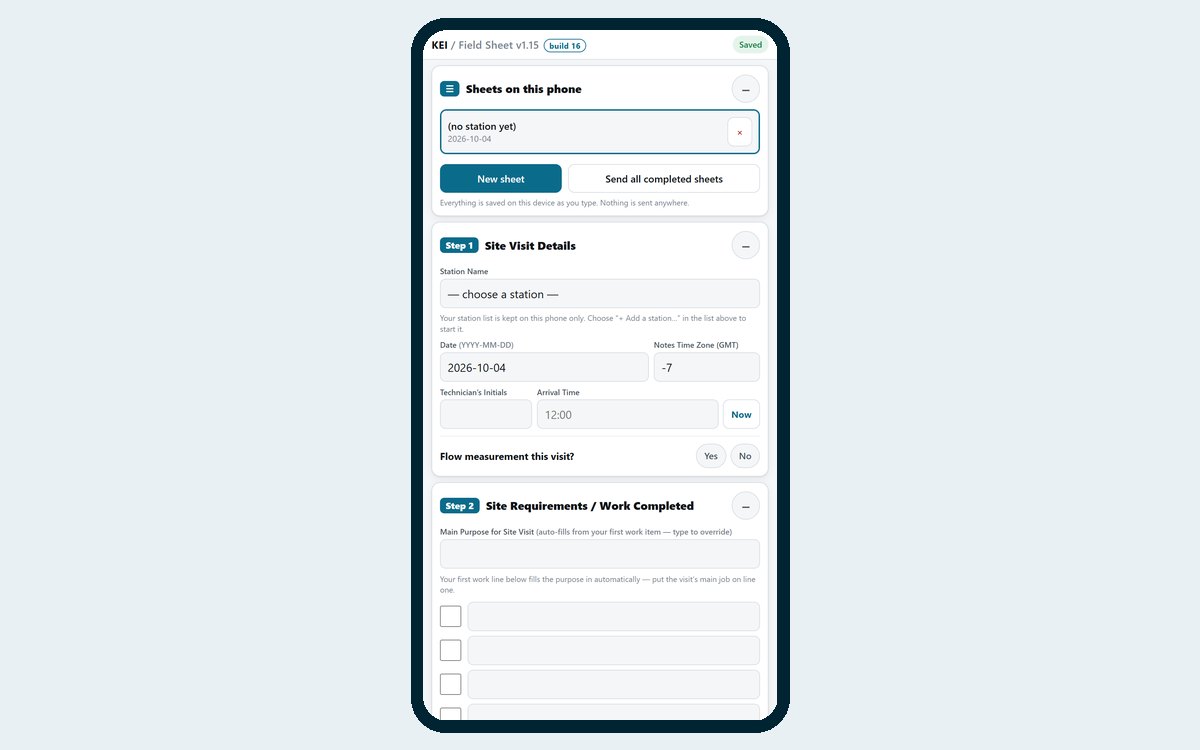
The Field Sheet app on a phone, showing the station and staff gauge sections

Digital Field Sheet

Most people hate digital field sheets. We love this one. It replaced our paper sheet completely, because it is significantly better and it cuts the office work after every visit.

Record a site visit on your phone: the work you came to do, staff gauge readings on arrival and departure, a photo of the station and a photo of your flow measurement sheet. Add your own stations once and pick them from a list. Each visit is saved as one file you can share, file or print to PDF.

How you get it: a phone app. Open it, install it, and it works offline.

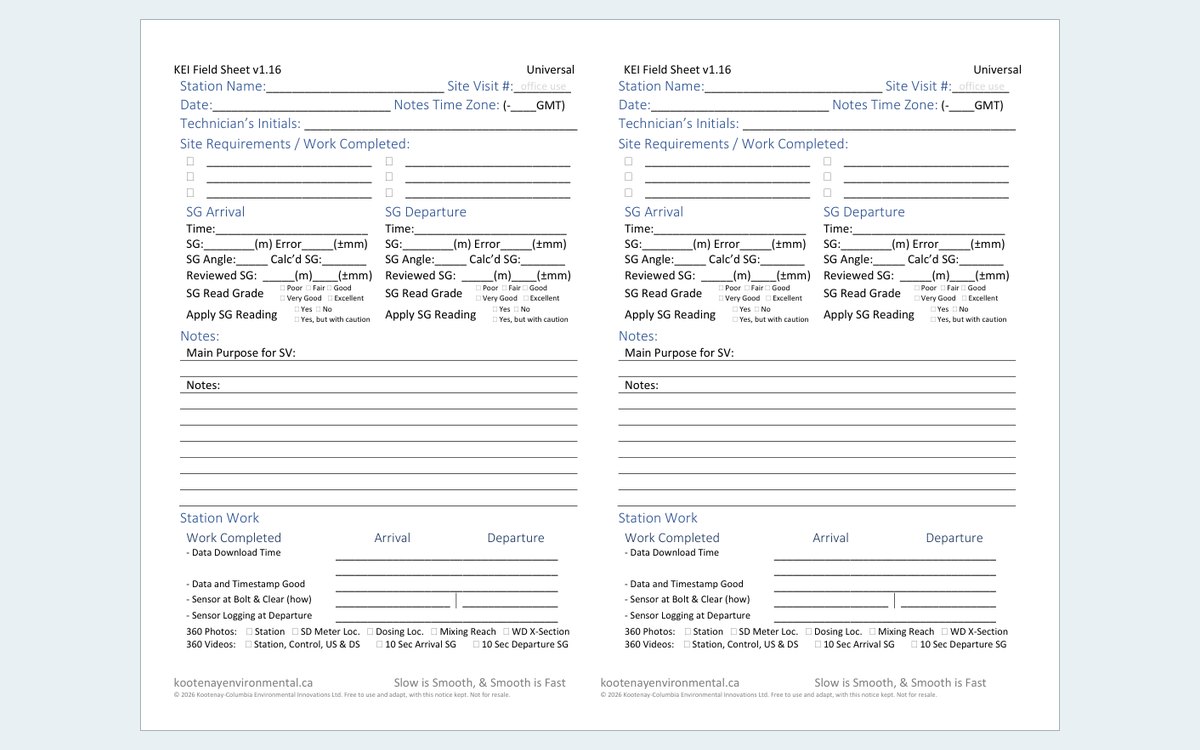
The paper field sheet: two half-page sheets side by side, with staff gauge, station work and notes sections

Paper Field Sheet

The paper sheet our app replaced. We don’t use it any more, but it served us for years and it is here if you would rather start on paper: site visit details, staff gauge readings, station work and a salt dilution flow measurement on the back.

How you get it: one PDF. Print it on both sides, landscape, and cut it in half to make two sheets.

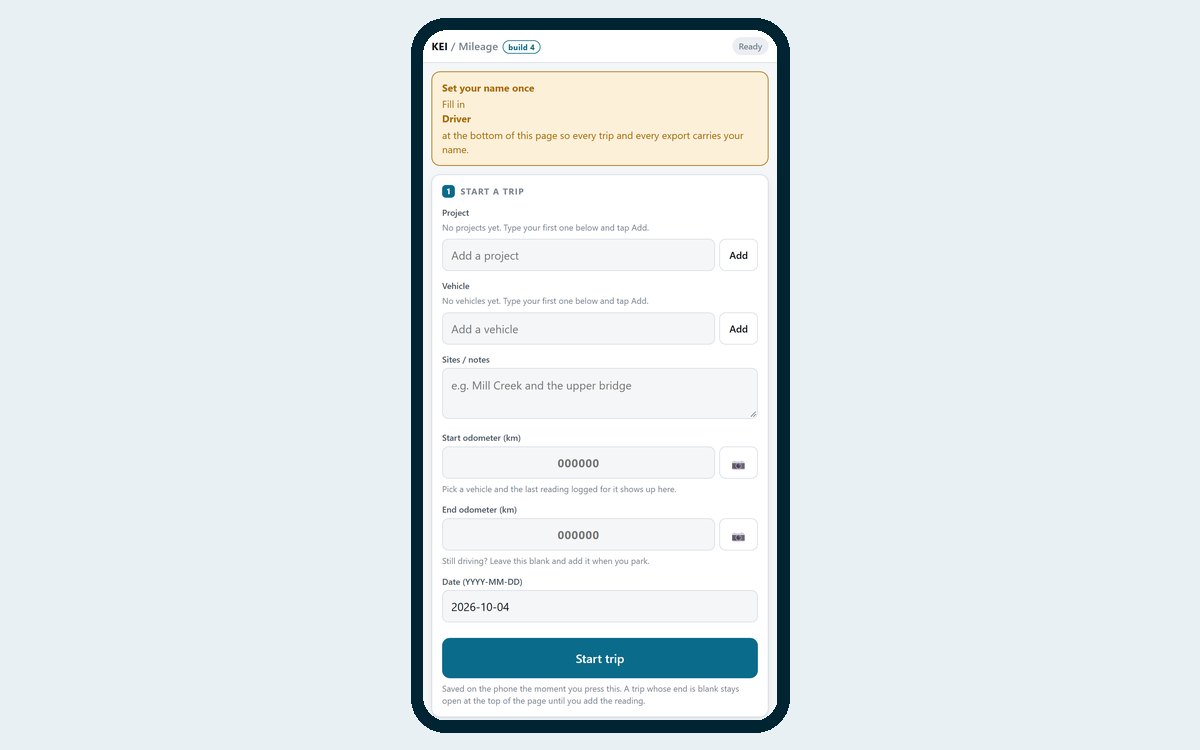
The Mileage Log app on a phone, showing the trip form

Mileage Log

Log vehicle trips by project and vehicle, with start and end odometer readings and a photo of each if you want proof. Add your own projects and vehicles, then export every trip as a spreadsheet file (CSV). It works well when you log every trip, as you do in a work vehicle.

How you get it: a phone app. Open it, install it, and it works offline.

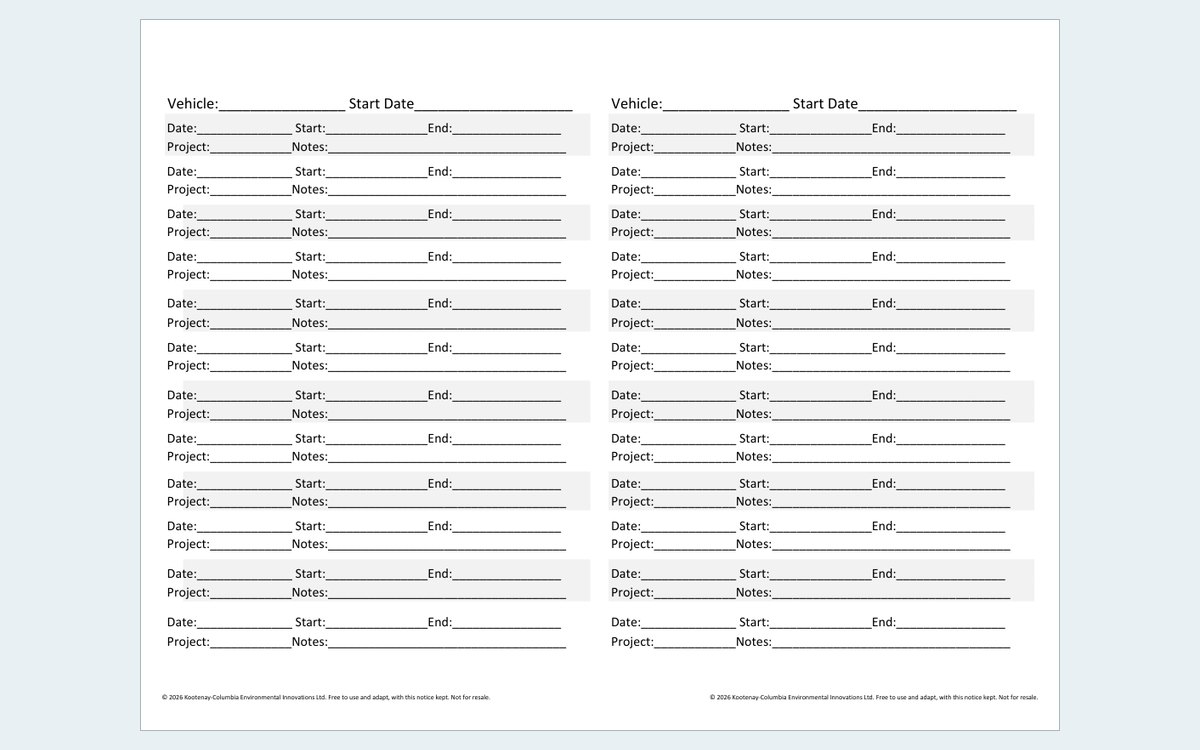
The paper mileage sheet: two half-page logs side by side, with lines for date, start, end, project and notes

Paper Mileage Sheet

Sometimes paper is better. If you only write down mileage now and then, such as when you use your own vehicle for work, a phone in your pocket is easy to forget. A clipboard on the seat is not. We use both: the app in the work trucks, and this sheet on a half-size clipboard everywhere else.

How you get it: one PDF. Print it on both sides, landscape, and cut it in half to make two logs for a half-size (A5) clipboard.

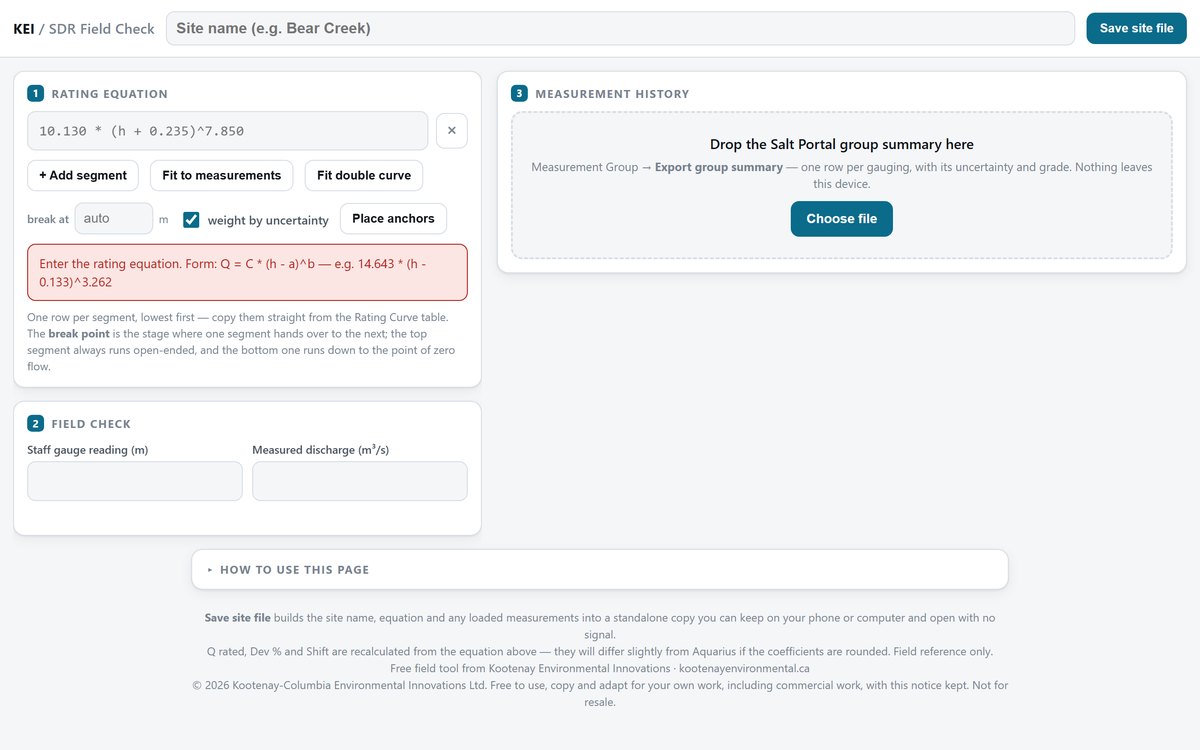
The Rating Curve Field Check, showing a stage-discharge rating with measurements plotted against it

Rating Curve Field Check

Check a new flow measurement against your stage-discharge rating before you leave the creek. Drop in your measurement history (a Salt Portal group summary or an AQUARIUS field measurement export), type the rating equation, and see how far the new measurement sits from the curve.

How you get it: one file. Download it and open it in a browser. Use “Save site file” to keep a copy with a site’s rating and measurements built in.

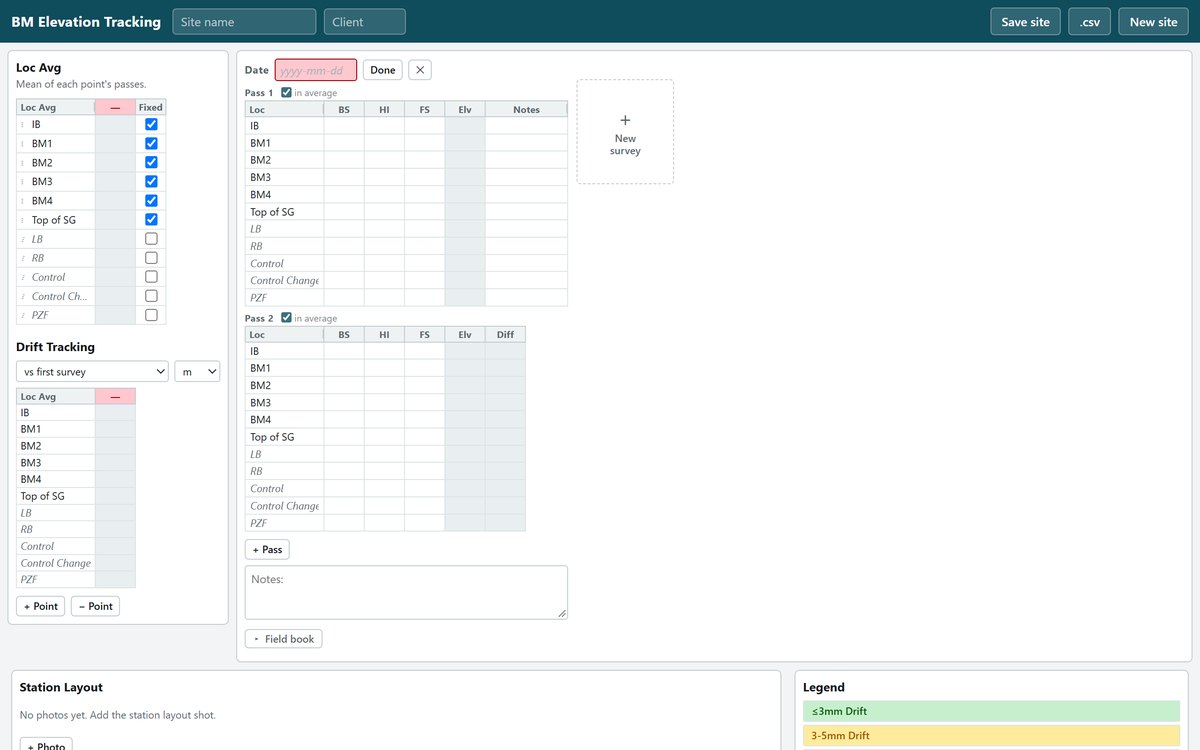
The Benchmark Survey Tracker, showing a level survey table and drift tracking

Benchmark Survey Tracker

Enter a level survey and watch benchmark drift and closure work themselves out as you type. One file per station holds every survey run there, with drift flagged at 3 mm and 5 mm.

How you get it: one file. Download it, open it in a browser, and use “Save site” to keep that station’s copy.

Terms of Use

Free to use. Not for resale. © 2026 Kootenay-Columbia Environmental Innovations Ltd. You may use, copy and adapt the free tools and sheets on this page for your own work, including commercial work, at no charge. Keep the notice and the credit to Kootenay Environmental Innovations on every copy and adapted version. You may not sell them or charge anyone for copies. They are provided as they are, with no warranty, so check your results. The Hydro Processor is not covered by these terms.

Want a Custom App?

Every tool on this page came out of our own field work. If something slows your crew down, tell us about it. We can build a tool for your sites, your forms and your way of working.

For KEI Crews

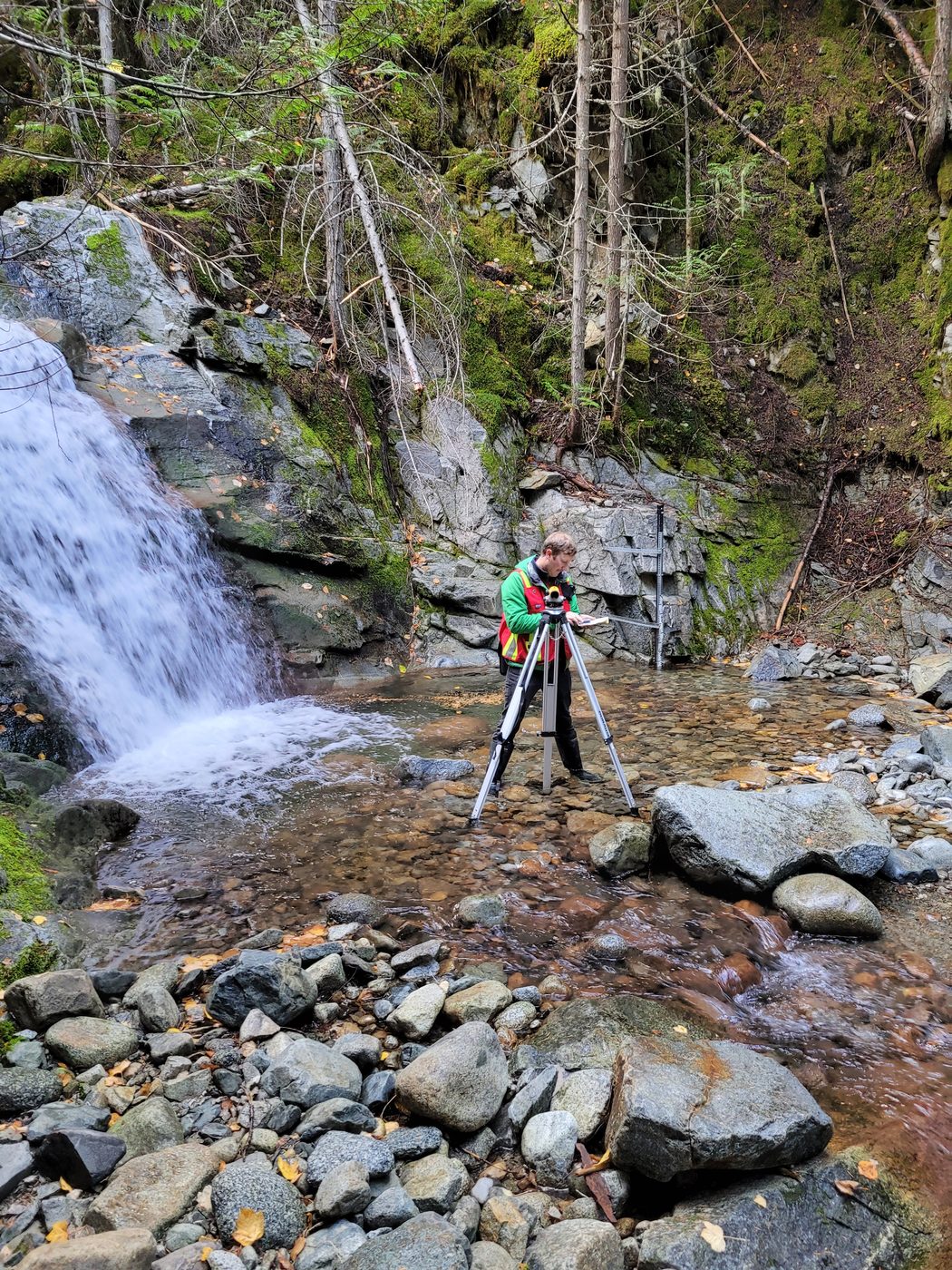
Surveying at a creek monitoring site below a waterfall

Site Surveys

View the benchmark surveys associated with each KEI-operated site.